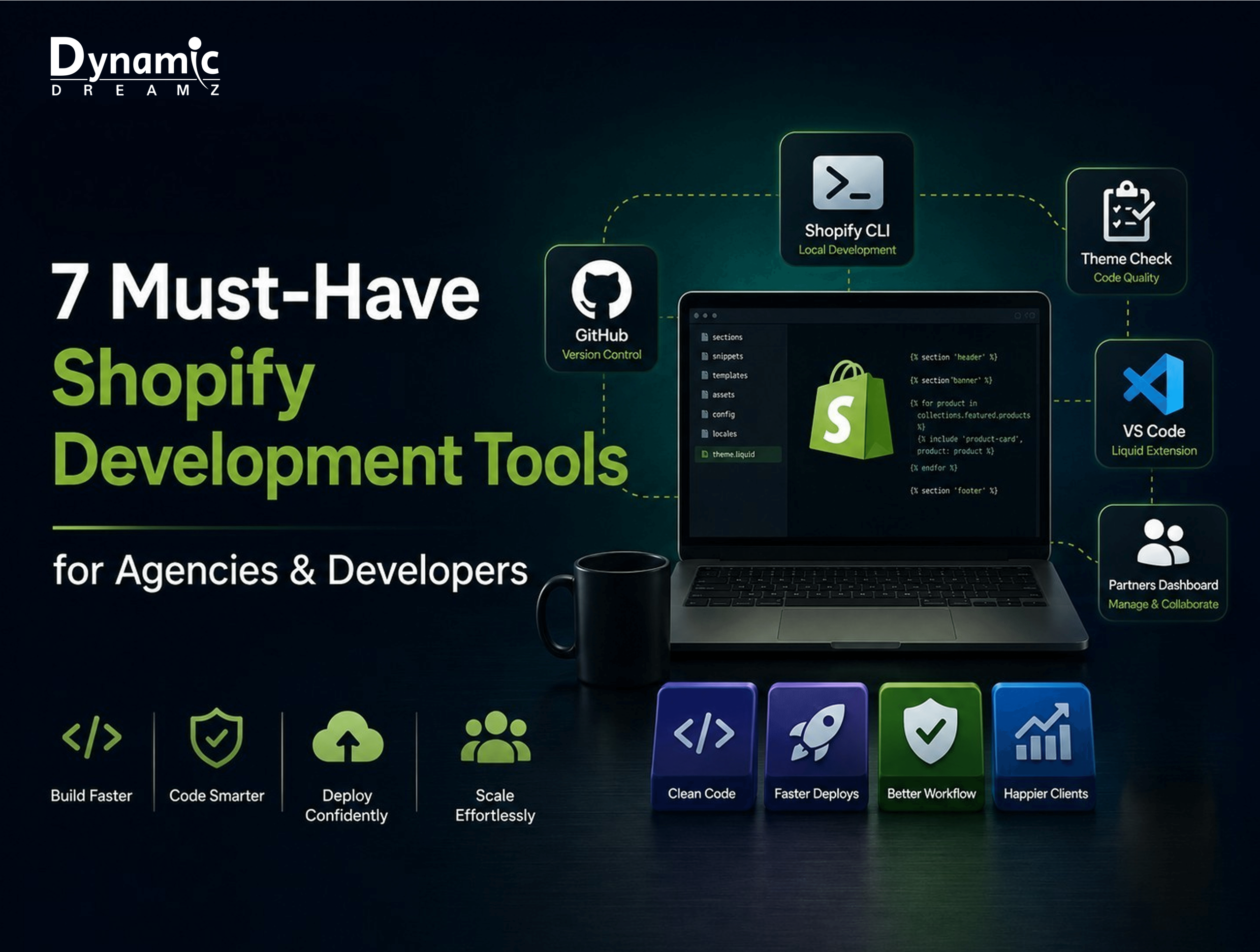
There is a clear difference between a good Shopify developer and a great one, and it isn’t about just some skills, but the tools they use. Because when you tend to manage dozens of client stores, or cutting corners on your Shopify developer stack shows up fast: the deployments would be slow, themes would be broken, and handoffs between team members would be messy.
Henceforth, for agencies especially, the right Shopify development tools turn chaotic, one-off builds into a repeatable, scalable workflow. For that reason, today we are sharing 7 tools with you that every agency and developer should have in their system in 2026.
So, let’s start with the first one, Shopify CLI…
1. Shopify CLI- The Foundation of Modern Theme Development
Shopify CLI replaced ThemeKit as the standard for local development, and for good reason. It gives developers real-time theme previews, instant theme push/pull, and a scaffolding system for building sections, blocks, and apps without leaving the terminal.
For agencies, CLI is what makes safe, version-controlled deployments possible no more editing live theme files directly in the Shopify admin. Pair it with GitHub Actions, and you’ve got a CI/CD pipeline that pushes tested code straight to staging or production. It’s the backbone of solid Shopify development work, agency or freelance.
2. GitHub- Version Control Every Shopify Agency Needs
Version control isn’t optional when multiple developers touch the same client store. GitHub gives Shopify teams branch strategies, feature branches, staging, and production that keep experimental work isolated from what’s live.
Paired with Shopify CLI, GitHub enables automated deployments triggered by a merge, not a manual theme upload. Ask any agency that’s had a developer accidentally overwrite a live theme file, and they’ll tell you: GitHub is the safety net that turns “disaster” into “just revert the commit.”
3. Shopify Theme Check- Catch Errors Before They Go Live
Theme Check is Shopify’s official Liquid linting tool, and it should be part of every pre-launch checklist. It catches deprecated code, accessibility issues, and performance problems before a customer ever sees them.
Running Theme Check via CLI or directly in VS Code means errors get flagged as you type, not after a client reports a broken page. Compared to manual code review, it’s faster and far more consistent the kind of quality control that separates a rushed build from an agency-grade one.
4. VS Code + Shopify Liquid Extension- Your Developer’s Best Friend
VS Code is the go-to editor for Shopify developers, and the Shopify Liquid extension is what makes it Shopify-native: syntax highlighting, autocompletion, and section schema support built right in.
A well-set-up local Shopify development environment usually includes a few key extensions:
- Shopify Liquid- Liquid syntax and schema support
- Prettier- consistent code formatting
- GitLens- Git history and blame, inline
- ESLint- JavaScript linting
Get this stack right once, and every developer on the team works from the same standard.
5. Shopify Partners Dashboard- Command Center for Agencies
The Partners Dashboard is essential infrastructure for any agency managing more than one client store. It’s where you create unlimited free development stores for testing, manage collaborator access to client stores without owning them, and track revenue share and referral benefits.
For agencies doing White label Shopify development, the Partners Dashboard is what makes managing multiple client relationships from one central account actually manageable.
6. Polaris Design System- Build Consistent Shopify App UIs
If your agency builds custom Shopify apps, Polaris is Shopify’s official React component library, and it’s what keeps your app UI looking and feeling native to the Shopify admin. Navigation, data tables, forms, modals: Polaris has pre-built, tested components for all of it.
Building custom UI from scratch takes time and rarely matches Shopify’s design language as closely. Polaris shortcuts both problems at once.
7. Ngrok- Test Webhooks and Apps Locally Without Deploying
Ngrok creates a secure tunnel from localhost to a public URL, which makes it essential for Shopify app and webhook development. Instead of deploying every change to test a webhook, developers can test locally and see results instantly.
It’s also a handy way to demo work-in-progress builds to clients before anything goes live. The free tier covers most agency needs; paid plans matter more for persistent URLs and higher usage.
How to Build the Perfect Shopify Development Workflow With These Tools
These 7 tools connect into one seamless pipeline:
VS Code + CLI → Theme Check → GitHub → Deploy → Partners Dashboard
| Tool | Primary Purpose | Best For |
| Shopify CLI | Local development & deployment | All developers |
| GitHub | Version control & collaboration | Teams & agencies |
| Theme Check | Code quality & error detection | Pre-launch QA |
| VS Code + Liquid | Development environment | All developers |
| Partners Dashboard | Client & store management | Agencies |
| Polaris | App UI development | App builders |
| Ngrok | Local webhook & app testing | App developers |
Conclusion
When one has the right tools, they automatically get separated from average Shopify developers and become the agency-grade ones. These 7 tools that we have listed above can be the foundation, but the real work is done with the experts who carry the emblem of Shopify Platinum Partner- Dynamic Dreamz. With their internal Shopify development workflow, they can do magic. Try today!
FAQ
What tools do Shopify developers use?
Most Shopify developers tend to stick to these tools,
- Shopify CLI for local development,
- GitHub for version control,
- Theme Check for code quality, and
- VS Code with the Shopify Liquid extension as their editor.
What is Shopify CLI and why do agencies use it?
Shopify CLI is basically Shopify’s command-line tool, which is used for local theme development, testing, and deployment. And most commonly, agencies use it so they can avoid editing live themes directly and enable version-controlled, repeatable deployments.
Is Shopify Theme Check free?
Yes, Theme Check is a free, official Shopify tool that lints Liquid code for errors, deprecated syntax, and accessibility issues.
What is the best code editor for Shopify development?
VS Code is the most widely used editor for Shopify development, especially paired with the official Shopify Liquid extension for syntax support and autocompletion.
How do Shopify agencies manage multiple client stores?
Agencies typically use the Shopify Partners Dashboard, which centralizes collaborator access, development store creation, and store management under one account.
What is Polaris in Shopify development?
Polaris is Shopify’s official React-based design system, used to build custom Shopify app interfaces that match Shopify’s native look and feel.