
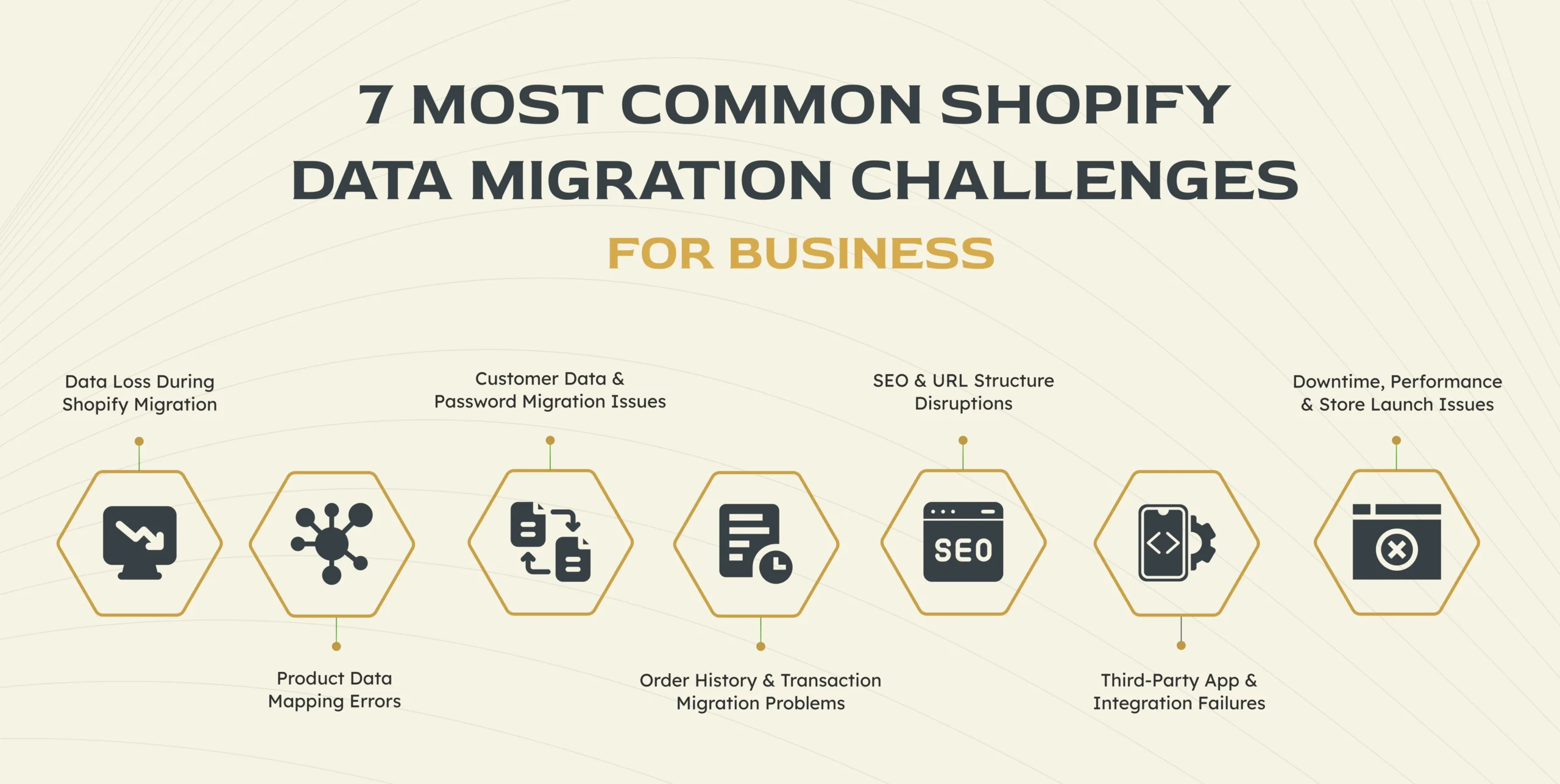
You may have heard about people facing many Shopify data migration challenges, and today we are gonna talk about it, and find solutions for them. Whenever you migrate an entire store to Shopify, it may sound like an exciting upgrade, but it literally can be quite complicated.
Behind every Shopify website migration, we have to deal with lots of product data web, ample customer records, long order history, URLs, and even the third-party integrations. And to ensure a smooth forward of these elements, businesses may fail to deal and conquer each and every uncommon & common Shopify data migration challenges, because of which their operations can be disrupted.
Moreover, there are numerous potential Shopify migration issues that easily can disturb the Shopify migration process, that we shouldn’t underestimate. Like there can be various data formats across different platforms, not one but many apps that don’t transfer cleanly, and some small Shopify migration errors that may end up causing damage to your reputation.
These Shopify data transfer problems can really affect your businesses, no matter the size, whether it’s a startup or enterprise, working with a Shopify Plus agency. And for that reason, we are gonna break down each of the most common challenges of migrating to Shopify, and not only that but will also explain how businesses can avoid all those potentially costly mistakes.
So, let’s start with the 1st challenge in the list…
Challenge 1: Data Loss During Shopify Migration
Data loss is one of the most common and damaging Shopify data migration challenges businesses face. During a Shopify website migration, large volumes of information—products, customer profiles, order history, images, and metadata—must be transferred accurately. When even a small portion of this data is missed or corrupted, it can create serious operational issues after launch.
Why Data Loss Happens During Migration?
Data loss usually occurs when platforms store information in different formats. Shopify structures data differently than platforms like Magento or WooCommerce, which can lead to mismatches during the Shopify migration process. Incomplete exports, API limitations, and human error also contribute to Shopify data transfer problems. Businesses that rely heavily on automated tools without validation are especially vulnerable to Shopify migration errors.
Business Impact of Missing or Corrupted Data
Missing product details can cause pricing errors or inventory mismatches, while lost customer data can damage trust and hurt retention. An incomplete order history affects reporting, customer support, and financial tracking. These Shopify migration issues often surface after launch, making fixes more expensive and time-consuming.
How to Prevent Data Loss?
In order to reduce the risk, businesses should always perform a complete data backup, before you can even start the migration. Because in the process of testing migrations, you can easily catch errors, quite quickly, and when you work with experienced professionals, such as a Shopify Plus agency like DynamicDreamz, you’ll keep ensuring both data integrity & minimize the risk of costly mistakes.
Challenge 2: Product Data Mapping Errors

Product data mapping errors are a frequent source of frustration during Shopify data migration. When moving to Shopify, every product element—titles, SKUs, variants, prices, images, and inventory—must align correctly with Shopify’s data structure. If this mapping isn’t handled carefully, businesses quickly run into Shopify migration issues that affect both storefront display and backend operations.
Understanding Product Data Mapping
Product data mapping is the process of matching fields from the old platform to Shopify’s product framework. Since Shopify handles variants, attributes, and custom fields differently, errors often occur during the Shopify migration process. These mismatches are a common cause of Shopify data transfer problems, especially for stores with complex catalogs.
Common Product Migration Mistakes
Typical Shopify migration errors include missing variants, incorrect pricing, duplicate SKUs, or images not linking to the correct products. In some cases, product categories or collections don’t translate properly, making navigation confusing for customers. These challenges of migrating to Shopify can directly impact conversions and customer trust.
Best Practices for Accurate Product Mapping
Before even starting with migration, businesses should audit their product data & clean up inconsistencies. And for that reason, many businesses choose to team up with Shopify Plus agency, with which they can easily avoid all the possible costly product mapping mistakes & ensure a smooth transition.
Challenge 3: Customer Data & Password Migration Issues
Customer data is one of the most sensitive parts of Shopify data migration. While products and content can often be rechecked or fixed, problems with customer accounts can quickly lead to frustration and lost trust. This makes customer-related issues one of the most common Shopify data migration challenges for businesses.
Why Is Customer Data Hard to Migrate?
The biggest challenge comes from security. Most e-commerce platforms encrypt passwords differently, and Shopify does not allow direct password imports in many cases. During the Shopify migration process, this creates Shopify migration issues where customer accounts transfer, but login credentials do not. Differences in customer fields and data formats also contribute to Shopify data transfer problems.
Risks of Improper Customer Migration
If customer data is migrated incorrectly, users may be unable to log in, see past orders, or access saved addresses. This can overwhelm support teams and damage brand credibility. In some cases, Shopify migration errors involving customer data may also raise privacy or compliance concerns.
Smart Ways to Handle Customer Data Migration
A common solution here would be to to migrate customer profiles without passwords and triggering account activation emails after launch. And here the clear communication would be really helpful for managing expectations & reducing confusion.
Challenge 4: Order History & Transaction Migration Problems
Order history is often overlooked during Shopify data migration, yet it plays a critical role in customer support, reporting, and long-term business analysis. Many businesses assume order data will move seamlessly, only to discover gaps after the Shopify website migration is complete.
Why Order Data Is Often Incomplete?
Not all platforms store order and transaction data the same way Shopify does. Payment gateways, tax settings, and fulfillment statuses may not map cleanly during the Shopify migration process. API limits and partial exports are also common causes of Shopify data transfer problems, leading to missing or fragmented order records.
How Missing Order History Affects Business Operations?
Incomplete order data makes it harder for support teams to assist returning customers. It also affects revenue tracking, refunds, and performance reporting. These Shopify migration issues can create confusion internally and reduce the overall efficiency of business operations.
Solutions for Order Data Migration
Businesses must decide early whether they would be needing a complete or just partial migration of order history. Because archiving those older orders and that too while keeping all the recent data in Shopify would be quite a practical solution. Partnering with a Shopify Plus agency like DynamicDreamz helps ensure critical transaction data is handled correctly, and Shopify migration errors are minimized.
Challenge 5: SEO & URL Structure Disruptions
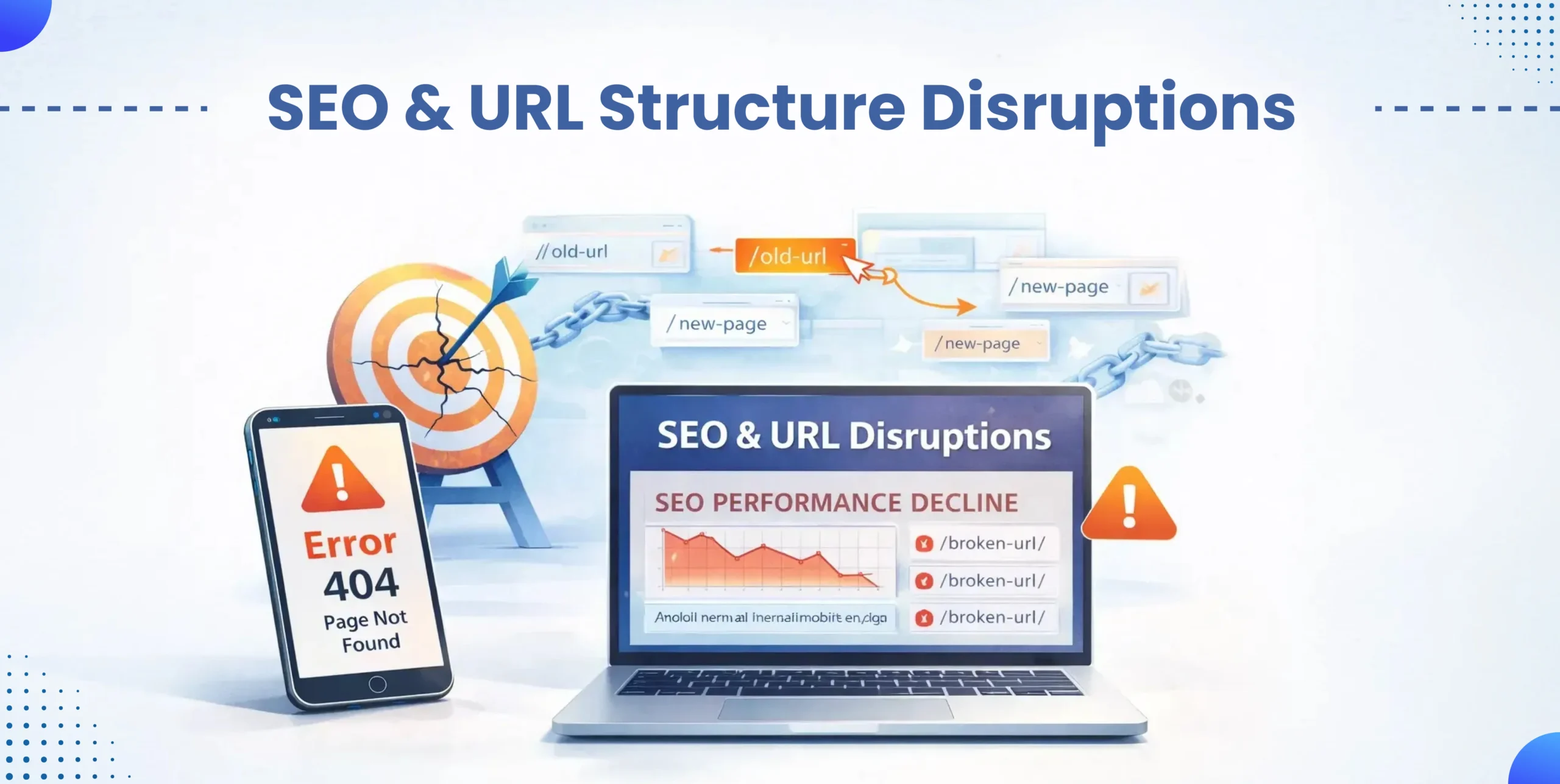
SEO is one of the most sensitive areas affected during a Shopify website migration. Even when products and data transfer correctly, changes to URLs and metadata can cause sudden ranking drops. This makes SEO-related problems one of the most overlooked Shopify data migration challenges.
How Shopify Migration Impacts SEO?
Shopify uses a fixed URL structure that often differs from other platforms. During the Shopify migration process, this can result in changed product and category URLs, missing meta titles, or altered internal linking. Without proper handling, these Shopify migration issues can confuse search engines and reduce organic visibility.
Common SEO Mistakes During Shopify Migration
The most common Shopify migration errors include missing 301 redirects, forgetting to migrate metadata, and failing to update sitemap files. Broken links and duplicate content are also frequent Shopify data transfer problems that hurt rankings and user experience.
SEO-Proofing Your Shopify Migration
To protect SEO, businesses should map old URLs to new ones and implement proper redirects before launch. Running SEO audits before and after migration helps catch issues early. Many businesses rely on a Shopify Plus agency, such as DynamicDreamz to ensure SEO stability throughout the migration.
Challenge 6: Third-Party App & Integration Failures

Third-party apps play a major role in how online stores operate, but they rarely migrate smoothly. During Shopify data migration, businesses often discover that key integrations don’t function the same way—or at all—after launch. This makes app-related issues one of the more disruptive Shopify migration challenges.
Why Apps Don’t Always Migrate Cleanly?
Apps are platform-specific, meaning data and configurations from another system usually can’t be transferred directly to Shopify. During the Shopify migration process, businesses must reinstall and reconfigure apps, which can lead to Shopify migration issues if settings are missed or incompatible features are used.
Business Risks of Broken Integrations
Broken apps can interrupt order processing, inventory syncing, email marketing, and fulfillment workflows. These Shopify data transfer problems may not be immediately obvious, but they can quietly affect customer experience and revenue.
How to Rebuild Integrations the Right Way?
Before migration, businesses should audit all apps and identify Shopify-compatible alternatives. Rebuilding integrations gradually and testing them in a staging environment reduces risk. Working with a Shopify Plus agency like dynamicdreamz helps ensure critical integrations are restored correctly and Shopify migration errors are avoided.
Challenge 7: Downtime, Performance & Store Launch Issues
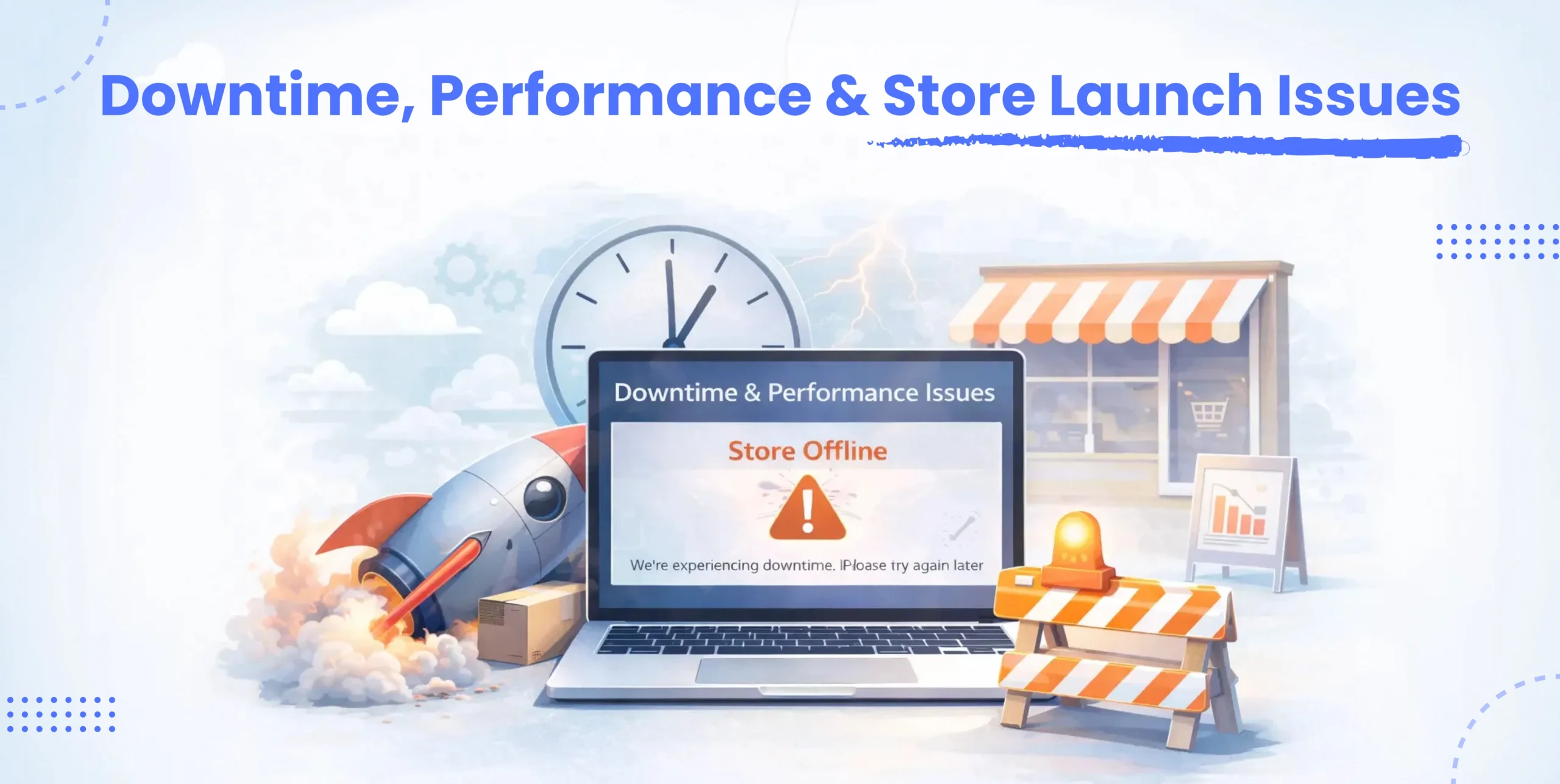
Downtime is one of the most stressful parts of any Shopify website migration. Even a short disruption can lead to lost sales and frustrated customers. Performance issues after launch are also common Shopify data migration challenges that businesses often don’t anticipate.
Why Does Downtime Happens During Migration?
Downtime usually occurs due to DNS changes, theme misconfigurations, or last-minute data syncing during the Shopify migration process. Incomplete testing and rushed go-live decisions increase the risk of Shopify migration issues that affect site availability or speed.
How Downtime Impacts Sales and Brand Trust?
When a store is unavailable or slow, customers lose confidence quickly. Abandoned carts, failed checkouts, and poor first impressions are common results of Shopify migration errors related to downtime and performance.
Minimizing Downtime During Shopify Migration
A staged migration approach helps keep the old store running while the new Shopify store is tested. Performance testing before launch and scheduling go-live during low-traffic hours reduces risk. Many businesses work with a Shopify Plus agency like Dynamic Dreamz to ensure a smooth launch with minimal disruption.
Should You Hire Shopify Migration Experts?
Not every business needs outside help for Shopify data migration, but for many, expert support can prevent costly mistakes.The Shopify migration process is quite complex, because it requires lots of technical decisions, and without proper experience, Shopify migration issues can easily go unnoticed.
And for that reason, even the small stores with simple product catalogs would require careful planning. However, businesses with large inventories, having custom features, or heavy app usage may face many complex Shopify data transfer problems. And in such cases, what you really should do is to work with a Shopify Plus agency to reduce risk & save time.
Here, teams like DynamicDreamz specialize in handling common Shopify data migration challenges, from product mapping to SEO preservation. Their experience helps avoid Shopify migration errors and ensures the transition is smooth, stable, and ready for growth from day one.
Conclusion
Yes, Shopify data migration is indeed a powerful step that helps in businesses growing forward. And as a Shopify Premier Partner ourselves, we have seen companies facing many common Shopify data migration challenges.
Sometimes they lose data, or sometimes they get headaches from product mapping errors to SEO disruptions and downtime, and such issues can be really serious if ignored.
Henceforth, we stepped up to ensure a successful Shopify website migration ourselves. Because as an expert we understand the Shopify migration process, test data thoroughly, and know how to address Shopify migration issues, so the businesses can always avoid stress and financial losses.
Here, the team DynamicDreamz’s goal while doing the migrations is quite simple;
- Protect your data
- Maintain performance, and
- Deliver a seamless experience for your customers.
So, say no to every possible Shopify data migration challenge, and set your business on the path of growth with a better digital platform.
FAQ
How long does Shopify data migration take?
The entire timeline for Shopify data migration depends on both the size and the complexity of the store. So, we can say that small stores would be much more likely to complete the Shopify migration process [like in some days or so], while the massive businesses [having thousands of products, customers, and integrations] may take a couple of weeks.
Moreover, with a sharp plan and some testings can easily help you reduce the possible delays and even Shopify migration issues.
Can a Shopify migration affect SEO rankings permanently?
A Shopify website migration can impact SEO if URL changes, redirects, or metadata are mishandled. However, when SEO is addressed correctly, ranking drops are usually temporary. Implementing proper redirects and audits helps prevent long-term damage caused by Shopify migration errors.
Is it possible to migrate passwords to Shopify?
In most cases, customer passwords cannot be migrated directly due to encryption differences. This is one of the common Shopify data migration challenges. Businesses typically migrate customer accounts and ask users to reset their passwords after launch.
What is the safest way to migrate Shopify data?
The safest approach includes full data backups, test migrations, and staged rollouts. Reviewing data after each transfer reduces Shopify data transfer problems. Many businesses choose to work with a Shopify Plus agency to minimize risk during migration.
How much does Shopify data migration cost for businesses?
Shopify data migration costs vary based on store size, data complexity, and required customization. Simple migrations are more affordable, while large-scale Shopify website migration projects may require expert support from agencies like dynamicdreamz to avoid costly mistakes.