
You spend money on ads, put effort into SEO, and drive traffic to your Shopify store, but still, sales are not even close to where they should be. Sound familiar, right?
And you would be shocked to know that the problem is rarely about the traffic. Most of the time, it’s something in your store that is quietly killing conversions & you do not even know what it is.
And right there, knowing how to do A/B testing can literally change everything in this scenario. Because instead of just guessing what would work, you can simply test it. You can stop assuming that your product page is fine, because now you can easily let real visitors tell you with their behavior.
Henceforth, through this guide, you can know about Shopify A/B testing, like;
- What it is,
- What to test,
- How to set it up step by step, and
- Best practices that actually move the needle.
So, let’s start reading…
What Is A/B Testing? And Why Shopify Store Owners Need It?
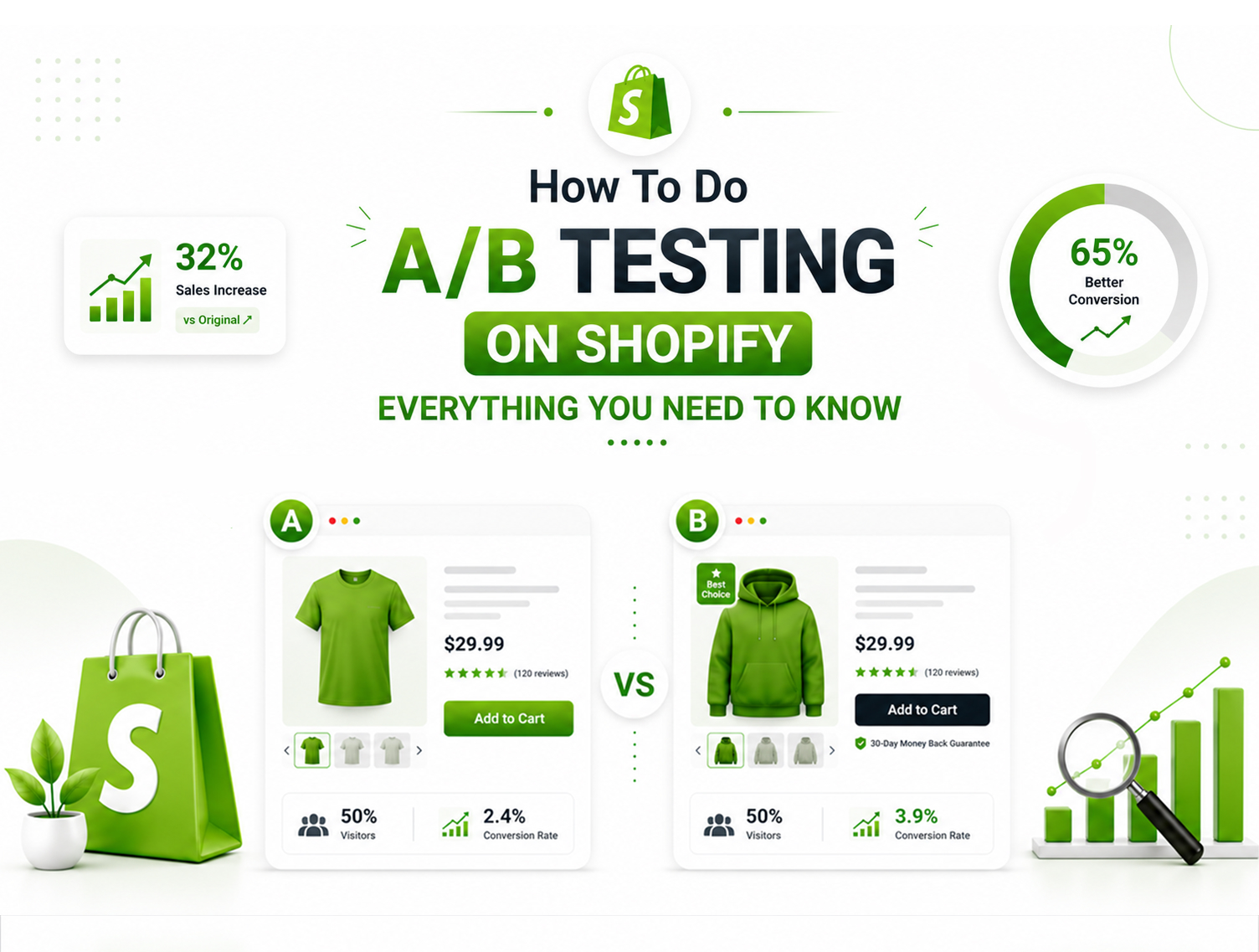
A/B testing, also called split testing, is the process of comparing two versions of a webpage or element to see which one performs better. Version A is your current page (the control). Version B is the new version with one change (the variant). You split your traffic between both versions, measure the results, and the better-performing version wins.
For A/B testing in eCommerce, this is not just a nice-to-have; it is how serious store owners make decisions. Rather than relying on gut feeling or copying what competitors are doing, you use real data from your own audience to improve your store.
Here is a simple example: You have a product page with a green “Add to Cart” button. You want to know if an orange button would get more clicks. You run a Shopify A/B test, 50% of your visitors see the green button, 50% see the orange one. After two weeks, the orange button has a 23% higher click rate. You implement it permanently.
That one change, backed by data, directly helps increase Shopify conversions without spending an extra rupee on ads. That is the power of A/B testing for eCommerce, it turns your existing traffic into better revenue.
What Can You A/B Test on Your Shopify Store?
One of the best things about split testing Shopify is how much you can test. Every element that a visitor sees or interacts with is a potential test candidate. Here is what smart store owners focus on for Shopify store optimization:
Product Pages
- Headline and product title variations
- Product description length, tone, and formatting
- Product image order, size, or style (lifestyle vs. studio shots)
- Pricing display showing discounts, crossed-out prices, or urgency timers
Call-to-Action (CTA) Elements
- Button text “Add to Cart” vs. “Buy Now” vs. “Get Yours Today.”
- Button color, size, and placement on the page
- Sticky CTA bars on mobile
Homepage & Navigation
Hero banner headline and imagery
Featured product or collection placement
Navigation menu structure and labels
Checkout & Cart
- Headline and product title variations
- Product description length, tone, and formatting
- Product image order, size, or style (lifestyle vs. studio shots)
- Pricing display showing discounts, crossed-out prices, or urgency timers
Offers & Promotions
- Discount presentation percentage off vs. flat amount off
- Free shipping vs. a discount code, which drives more conversions?
- Urgency elements like countdown timers or low-stock alerts
The key rule of Shopify store optimization through testing: always test one element at a time. Change two things at once, and you will never know which one made the difference.
How To Do A/B Testing on Shopify Step by Step
How to do A/B testing on Shopify or how to split test Shopify store are literally the most common questions on the web. And here is exactly how to run A/B tests on Shopify from start to finish, no guesswork, no wasted effort.
Step 1: Define Your Goal and Hypothesis
Before you test anything, you need a clear goal and a hypothesis. A goal without a hypothesis is just guessing.
Your goal could be: increase product page conversion rate, improve add-to-cart rate, or reduce cart abandonment.
Your hypothesis should follow this structure: “Because [data or observation], I believe that [change] will [expected outcome], and I will measure this using [metric].”
Example: “Because our heatmap shows most visitors do not scroll past the fold, I believe moving the Add to Cart button higher on the page will increase our add-to-cart rate, and I will measure this using click rate.”
A strong hypothesis keeps your test focused and makes your results meaningful, win or lose.
Step 2: Choose What to Test
Pick the element most likely to impact your goal. If your goal is to improve conversions on the product page, start with the highest-impact elements: your CTA button, your headline, or your product image.
Do not start with minor cosmetic changes. Start where the biggest drop-off is happening. Use Google Analytics, Shopify Analytics, or heatmap tools like Hotjar to find where visitors are losing interest.
Step 3: Pick Your A/B Testing Tool
Shopify does not have a built-in native A/B testing feature, so you will need a third-party tool. Here are the most reliable options for Shopify A/B testing:
- Shoplift- Built specifically for Shopify, easy to set up, no coding required
- Intelligems- Great for price testing and content testing on Shopify stores
- Neat A/B Testing- Lightweight Shopify app, good for beginners
- Google Optimize (sunset)- Replaced by alternatives; use server-side tools for better accuracy on Shopify
Choose a tool based on your store’s traffic volume and what you want to test. Low traffic stores (under 1,000 visitors/month) should hold off on A/B testing until they have enough data to reach statistical significance.
Step 4: Set Up Your Test
This is where you build Version A (control) and Version B (variant) inside your chosen tool. Make only ONE change between the two versions, that is, the variable you are testing.
Set your traffic split to typically 50/50 for most tests. Define your primary metric (conversion rate, click rate, revenue per visitor) and set up your tracking correctly before launching.
If your store needs custom theme changes or technical setup to run tests properly, working with a professional Shopify development team ensures your tests are set up without breaking your store’s existing functionality.
Step 5: Run the Test- How Long Is Long Enough?
This is where most store owners go wrong: they stop the test too early.
Run your A/B test for a minimum of two weeks, ideally two full business cycles. Why?
Because you need to account for:
- Weekday vs. weekend buying behavior
- Different traffic sources (organic, paid, email, social)
- “Think about it,” buyers who return days later
Do not stop the test the moment one version looks like it is winning. Early data is often misleading. You need a statistically significant sample; most tools will tell you when you have reached this point.
Step 6: Analyze Results and Declare a Winner
Once your test has run its course, look beyond just the overall conversion rate.
Dig deeper:
- How did each version perform on mobile vs. desktop?
- Did new visitors and returning visitors behave differently?
- Which traffic source responded better to the variant?
Segment your results. A test might look like a loser overall, but perform significantly better for mobile users, and since mobile makes up the majority of eCommerce traffic, that insight alone is valuable.
Declare the version with the higher conversion rate the winner, but only if the result is statistically significant (most tools show 95% confidence as the benchmark).
Step 7: Implement and Repeat
Roll out the winning version to 100% of your traffic. Then start the cycle again, new hypothesis, new test, new insight. How to split test your Shopify store effectively is not a one-time exercise; it is an ongoing process of incremental improvement.
Store owners who test consistently, even just one test per month, see compounding improvements in Shopify conversion rate optimization over time.
A/B Testing Best Practices to Increase Shopify Conversions
Knowing how to run A/B tests on Shopify is one thing. Running them well is another. These best practices separate stores that see real results from those that just run tests for the sake of it.
Test One Variable at a Time
This is the golden rule of how to split-test a Shopify store properly. If you change your headline, image, and button color in the same test, you will never know which change moved the needle. One variable per test, always.
Run Tests for at Least Two Full Weeks
This is the golden rule of how to split-test a Shopify store properly. If you change your headline, image, and button color in the same test, you will never know which change moved the needle. One variable per test, always.
Never Stop a Test Early
This is the golden rule of how to split-test a Shopify store properly. If you change your headline, image, and button color in the same test, you will never know which change moved the needle. One variable per test, always.
Segment Your Eesults by Device and Traffic Source
A change that performs brilliantly on a desktop might fall flat on mobile and vice versa. Always break down your results by device type, new vs. returning visitors, and traffic source. This level of segmentation is what turns a simple test into a deep insight that can improve Shopify store performance across every channel.
Keep an Archive of Every Test
Document your hypothesis, what you tested, the result, and what you learned — whether the test won or lost. Losers teach you just as much as winners. Over time, this archive becomes one of your most valuable assets for Shopify conversion rate optimization, helping you avoid repeating tests and building on previous learnings.
Make Sure You Have Enough Traffic
A/B testing requires a minimum sample size to be statistically valid. As a general rule, you need at least 100–200 conversions per variation before concluding. If your store gets fewer than 1,000 visitors per month, focus on driving more traffic first, then test.
Final Thoughts
Shopify A/B testing is not for big brands with massive budgets. It is the smartest thing any store owner can do to increase Shopify conversions using the traffic they already have.
Every test you run, whether it wins or loses, will teach you something about your customers that no competitor of yours can ever replicate.
So, simply start with a clear hypothesis, and make sure that you only test one thing at a time. And simply let the data run long enough to mean something.
Then implement, archive, and repeat.
If you want to build a Shopify store that really is optimized, then you should build it for speed, conversions, and seamless improvement. And for that reason, you should consult the team at Dynamic Dreamz, which has helped 1,000+ brands do exactly that. From store builds to ongoing optimization, we are here when you are ready to grow.
FAQ
How long should I run an A/B test on Shopify?
You should run an A/B test on Shopify for at least two weeks, because that is how it would ideally cover two full business cycles. Because if you keep running tests for shorter periods, there can be risks of having misleading results, due to some daily & weekly traffic fluctuations.
What is the best A/B testing tool for Shopify?
Some of the best Shopify A/B testing tools include;
- Shoplift,
- Intelligems, and
- Neat A/B Testing.
However, the best tool specifically for you would depend on your store size, the traffic you’re getting, and the specifics you want to test.
How do I split test my Shopify store for free?
Some A/B testing tools offer free plans or trial periods, so according to that, Neat A/B Testing & Google Optimize alternatives would be starting points.
How does A/B testing help increase Shopify conversions?
A/B testing helps increase Shopify conversions by identifying exactly which page elements, copy, or design choices resonate best with your audience. Instead of making assumptions, you use real data to make improvements, which means every change you implement is backed by evidence, not guesswork.
How many visitors do I need to run an A/B test on Shopify?
As a general benchmark, you need at least 100–200 conversions per variation to reach statistical significance. If your store receives fewer than 1,000 visitors per month, it is worth focusing on traffic growth first before investing time in A/B testing.