Your eCommerce platform is like an engine for your entire business, which leads the business from the front. So, if that business of yours starts to cost more, with more limitations, then it would be better to change that engine for a better one.
For that reason, in 2026, way more brands are opting for the BigCommerce to WooCommerce migration. And no, it’s not because BigCommerce is broken, but because WooCommerce simply has more to offer, such as;
- Complete ownership,
- Unlimited flexibility, and
- A cost structure that scales in your favor.
Henceforth, through the medium of this detailed guide, we are gonna help you get all the whys, the whats, the hows, and the whos; just so you can make the right decision selecting your engine for leading the business.
Why Brands Are Migrating from BigCommerce to WooCommerce in 2026?
The decision to migrate rarely comes from one breaking point. It builds slowly, with small restrictions, rising costs, and feature gaps that stack up until they start blocking growth. Here’s what’s pushing businesses over the line.
Rising Platform Costs
BigCommerce’s pricing model increases with your revenue, even when you’re not adding features or complexity. As your GMV grows, your platform bill grows with it. WooCommerce for your kind of informtioan is free to install. Because you just have to pay for hosting & premium plugins, but other costs will be in your control.
Customization Ceilings
BigCommerce’s themes and checkout flows hit limitations that require upgrading to their enterprise tier or building workarounds that accumulate technical debt. WooCommerce, built on WordPress, gives you the very freedom on every pixel, every page & every process, because there you got thousands of plugins & an open codebase to back it up.
Data Ownership & Privacy
As privacy regulations tighten globally, brands need direct access to their analytics, integrations, and customer data without platform restrictions. WooCommerce gives you full control of your hosting environment, database, and integrations directly, making it increasingly difficult to ignore in a privacy-first world.
SEO Control
WooCommerce, powered by WordPress, offers more granular control over technical SEO: page speed, structured data, URL architecture, and metadata. For brands where organic rankings directly drive revenue, this control compounds over time, creating meaningful traffic gains over 12–24 months.
BigCommerce vs. WooCommerce: Side by Side
Before committing to a BigCommerce to WooCommerce migration, it’s essential to understand exactly where the two platforms differ. Here’s the full picture:
| Feature | BigCommerce | WooCommerce |
| Platform Cost | From $39/month | Free (hosting costs apply) |
| Transaction Fees | 0% on BC payments | 0% (depends on gateway) |
| Customization | Limited without paid apps | Fully customizable |
| Plugin/Extension Cost | $10–$50/month per app | Many free; one-time costs |
| Scalability | Auto-managed, tiered pricing | Flexible via hosting upgrades |
| Platform Updates | Platform-wide, no user control | Full owner control |
| Market Share (2026) | Smaller, enterprise-focused | 25%+ global market share |
Case Study: Clothing Brand Achieves 30% Cost Reduction
A leading eCommerce clothing brand executed a full BigCommerce to WooCommerce migration, seeking more flexibility, lower operational costs, and greater control. Here’s what the numbers showed:
| 30%
Reduction in operational costs |
0
Data loss during migration |
100%
SEO rankings retained |
The brand successfully migrated its entire customer base, product catalog, and order history, while protecting its SEO rankings and ensuring zero customer-facing downtime. They also replaced an expensive BigCommerce third-party warehouse management solution with FOYCOM on WooCommerce at a fraction of the cost.
Key Insight
Moving to WooCommerce from BigCommerce brings almost endless possibilities for design, functionality, and scalability. With some strategy, what may seem challenging gets done right, and the results speak for themselves.
Common Challenges in BigCommerce to WooCommerce Migration
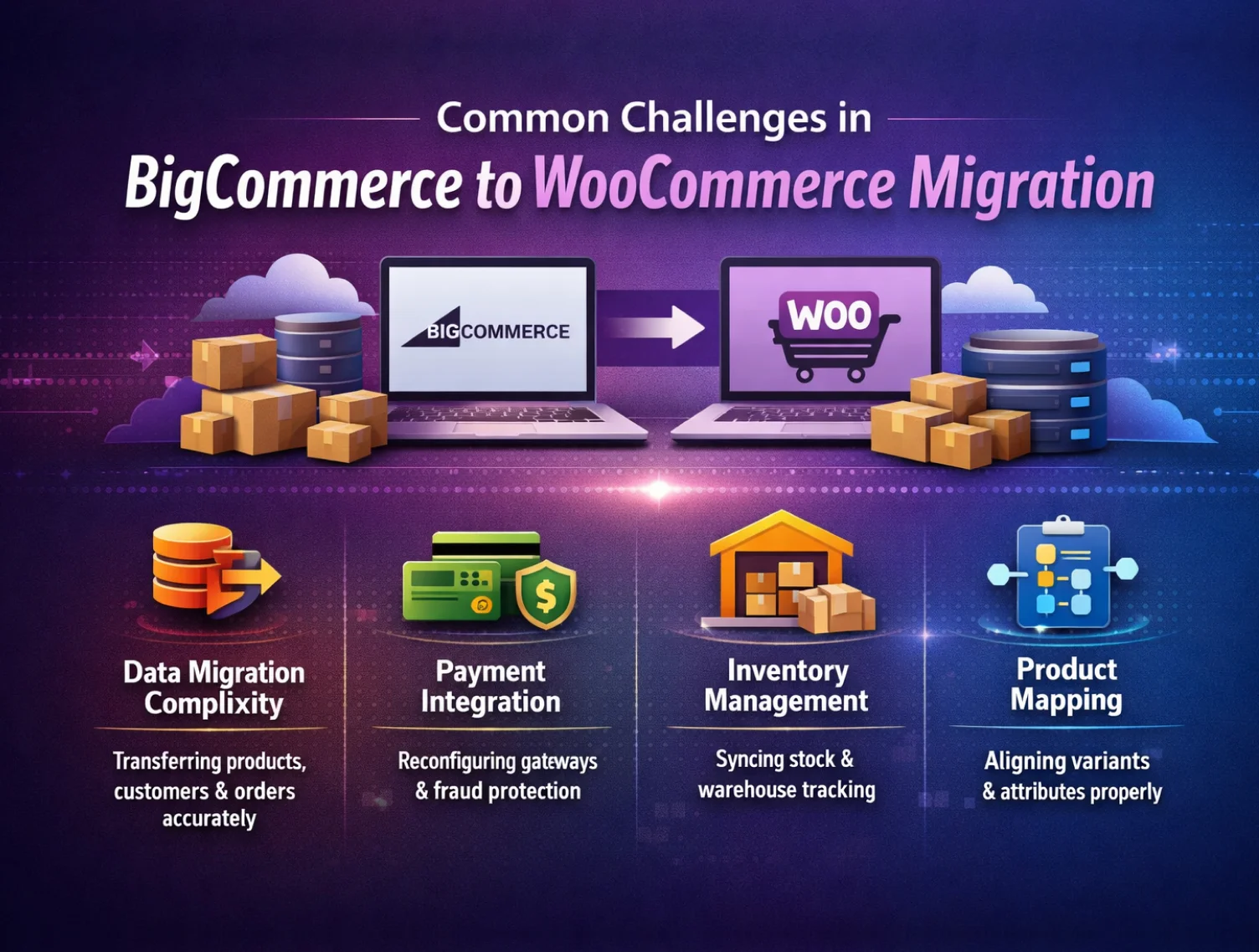
Knowing what to expect before you start is half the battle. Here are the most common challenges businesses encounter, and how expert BigCommerce to WooCommerce migration services solve them.
Data Migration Complexity
Large volumes of product SKUs, customer records, and order history must transfer with full integrity and zero discrepancies. Manual verification is non-negotiable.
Payment Gateway Integration
Payment and shipping solutions used on BigCommerce must be reconfigured or replaced with WooCommerce-compatible alternatives, including multi-currency support and fraud protection.
Warehouse & Inventory Tracking
BigCommerce lacks native BIN pick numbers and warehouse location tracking. Businesses relying on third-party services for this functionality often pay a premium that WooCommerce integrations can eliminate.
Pallet & Bulk Shipping
BigCommerce’s native shipping isn’t built for pallet or bulk shipments. Third-party freight apps with customized pallet size and weight rules must be integrated post-migration.
Variant & Product Mapping
BigCommerce’s product options model differs from WooCommerce’s attribute/variation system. Complex variant matrices often require transformation scripts, a key reason to work with an experienced BigCommerce to WooCommerce migration company.
SEO Continuity
Every indexed URL must be properly redirected. Missing even a fraction of high-traffic URLs can cause immediate search ranking drops. Prioritize by traffic and backlink equity, but cover everything.
The BigCommerce to WooCommerce Migration Process, Step by Step
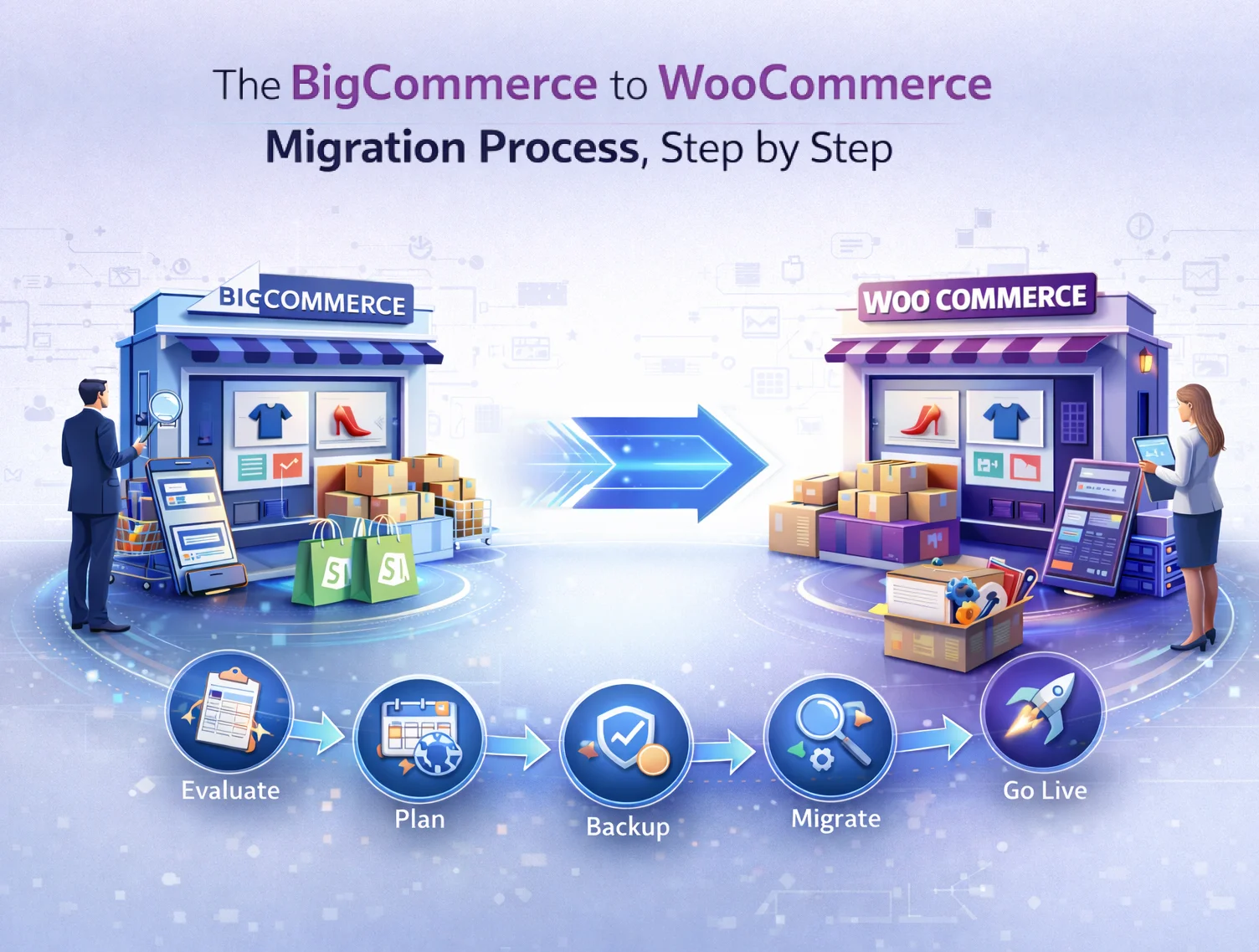
A successful migration isn’t a lift-and-shift; it’s a methodical process where each phase gates the next. Here’s how a professional BigCommerce to WooCommerce migration process is executed:
Step 1. Pre-Migration Audit
Document your full product catalog (SKUs, variants, attributes, images, metafields), order history, customer accounts, and every URL currently indexed. This baseline prevents surprises mid-build and protects your SEO equity from day one.
Step 2. WordPress & WooCommerce Setup
Install WordPress on your chosen hosting provider and configure WooCommerce. Ensure your environment meets the PHP 8.1+ requirement and has adequate CPU and memory for data-intensive migration operations.
Step 3. Data Export from BigCommerce
Export products, customers, and order data from BigCommerce via CSV or API. Simple products map reasonably well to WooCommerce’s import format; complex variants require transformation scripts.
Step 4. Data Import to WooCommerce
Use a professional migration tool, like the official WooCommerce Migrate Import BigCommerce extension, to import product, customer, and order data in bulk or via filters. Track progress in real-time.
Step 5. Manual Data Verification
Verify migrated data manually to ensure no discrepancies in product SKUs, images, pricing, and customer records. This step is non-negotiable for data integrity.
Step 6. Payment, Shipping & Third-Party Integration
Integrate WooCommerce-compatible payment gateways. Configure shipping solutions and connect third-party tools, CRM, ERP, marketing automation, and WMS to the new stack.
Step 7. SEO Redirect Setup
Map and implement 301 redirects for every indexed URL, product pages, category pages, blog posts, and CMS pages. Prioritize by traffic and backlink equity, but cover everything without exception.
Step 8. Testing & Go-Live
Test the full customer journey, product discovery, cart, checkout, payment, and order confirmation. Monitor rankings, performance, and conversion in the weeks after launch. Don’t rush the timeline.
Official Migration Tool: WooCommerce Migrate Import BigCommerce
WooCommerce’s official marketplace features the Migrate Import BigCommerce extension by FmeAddons, built specifically for this transition. Here’s what it handles:
Connect BigCommerce and WooCommerce via API key using your store hash and access token Migrate complete or partial customer data with filters for name, email, and account creation date Import all or filtered order data, by creation date, customer email, or order total range Migrate product data in bulk or by title, keyword, category, modified date, or availability
Track migration progress in real-time via a built-in progress bar Choose to migrate all sections at once or specific sections- products, customers, orders, or any combination
Pricing
The extension is available at $99/year (1-year plan) or $158.40 for a 2-year plan (20% savings), backed by a 30-day money-back guarantee. A small investment compared to weeks of manual migration effort.
What’s Driving eCommerce Platform Decisions in 2026?
The eCommerce landscape in 2026 looks meaningfully different from even three years ago. Customer acquisition costs have risen across paid channels, making optimization more valuable than expansion alone. Two major forces are shaping platform decisions this year:
AI-Driven Personalization
From product recommendations to dynamic pricing, AI personalization is no longer a differentiator; it’s an expectation. WooCommerce’s open ecosystem makes it far easier to integrate cutting-edge AI tools that create highly tailored customer journeys, without platform lock-in limiting what’s possible.
Data Privacy & Compliance
As privacy regulations become more stringent globally, brands need robust data handling practices and transparent consent mechanisms. WooCommerce’s self-hosted model puts you in direct control of your data, how it’s stored, how it’s processed, and who can access it.
How to Choose the Right BigCommerce to WooCommerce Migration Company?
A migration done poorly can cost you SEO rankings, customer data, and months of recovery time. A migration done right sets you up for years of growth. When evaluating a BigCommerce to WooCommerce migration service or solution, look for:
- A proven track record with documented case studies- not just claimsA pre-migration audit process that maps your current setup before any work begins
- Clear SEO redirect strategy- they should raise URL mapping before you do
- Transparency around data verification and post-migration monitoring
- Experience with third-party integrations: payment gateways, WMS, shipping, CRM
- Expertise in custom product types, metafields, and variant mapping
- Post-launch support for the critical first weeks after go-live
Is BigCommerce to WooCommerce Migration Right for You?
Migration shouldn’t be done simply by following trend, but a strategic business call. But if your BigCommerce costs are keep going up, your customization rquirements are outpacing the platform, and you’re ready to take full ownership of your store, then congrats, WooCommerce is a compelling answer.
Moreover, brands that know the proper execution of the migration, the right way, will know how to reduce the costs, how to improve the performance, and how to retain SEO rankings.
The key is doing it with a clear plan, proper tooling, and either the in-house expertise or a trusted BigCommerce to WooCommerce migration company that has done this before.
Henceforth, with the right BigCommerce to WooCommerce migration solution, store can get better, and the very stress of the store’s eCommerce operation can be kept to a minimum.
How long does a BigCommerce to WooCommerce migration take?
The timeline simply depend on the size of the store, and its very complexity, because a small store has less hundred products can be easily migrated in 1 to 2 weeks. While on the other hand, a larger store having thousands of SKUs can take a much longer time, maybe 8 weeks or more.
Will I lose my SEO rankings when migrating from BigCommerce to WooCommerce?
If the migration is handled correctly, no, you will not lose your SEO rankings. Because brands that have a proper SEO migration checklist, and ensure to follow it, can easily retain their rankings.
What data can be migrated from BigCommerce to WooCommerce?
By using the official WooCommerce, you can seamlessly migrate:
- Products (including variants, attributes, images, and categories),
- Customer accounts (names, emails, addresses, purchase history),
- Orders (transaction records, fulfillment statuses, payment mapping), and
- Store metadata.
How much does a BigCommerce to WooCommerce migration cost?
Costs would vary based on store size, the very complexity of data, and the level of customization required.
And when you work with a professional BigCommerce to WooCommerce migration company, the price can easily range from a few hundred dollars for basic migrations to several thousand for large, complex stores.
Will my store experience downtime during the migration?
No, a well-planned migration can help you keep the customer-facing downtime to zero
Do I need technical expertise to manage WooCommerce after migration?
More than BigCommerce, yes- but now that kind of high, you may have been thinking. Because WooCommerce is a self-hosted platform, where you would be responsible for hosting, plugin updates & security.
Can I migrate only part of my data, for example, just products or just customers?
Ye, you can! You can simply choose the belongings that you want to migrate, whether it can be only products, only customers, only orders, or any combination of the three.